


Content

About this webinar
About the speaker

Key points and insights
In the webinar "Seven Productivity Tips for Google Chrome," presented by Richard Miller of GoldieMay, genealogists are treated to a dynamic and practical exploration of tools and techniques designed to enhance research efficiency. Hosted by Legacy Family Tree Webinars as part of its "Down Under" series, this session goes beyond browser basics to showcase expert-level strategies specifically tailored for genealogical research. With a focus on optimizing Google Chrome—and its alternatives—Miller bridges the gap between tech know-how and historical discovery, equipping family historians with new digital skills to streamline their online workflows.
Key Takeaways:- Harness Chrome’s Developer Tools for Full-Page and Selective Screenshots: Learn how to capture entire webpage records or specific sections with high resolution using Chrome’s hidden developer tools. These techniques are essential for saving census records, vital data, or annotated pages directly into your digital archive.
- Speed Up Your Searches with Custom Search Engine Shortcuts: Miller demonstrates how to create custom browser shortcuts that auto-fill common search terms—like “genealogy records”—into search engines or even specific websites like MyHeritage or Archive.org. This transforms repetitive tasks into one-keystroke efficiencies, perfect for those deep into family history research.
- Master Tab and Profile Management for Organized Research Sessions: Discover how to open, close, and restore tabs like a pro, save sessions with tools like OneTab or GoldieMay, and use multiple Chrome profiles to separate work, personal, or society research. These practices dramatically reduce digital clutter and improve long-term research organization.
Dive deeper into these strategies and explore additional resources curated for genealogists in the webinar syllabus. It’s an ideal time to enhance your skills and take advantage of the tools that make modern genealogy faster, smarter, and more enjoyable.
Related webinars

 00:54:28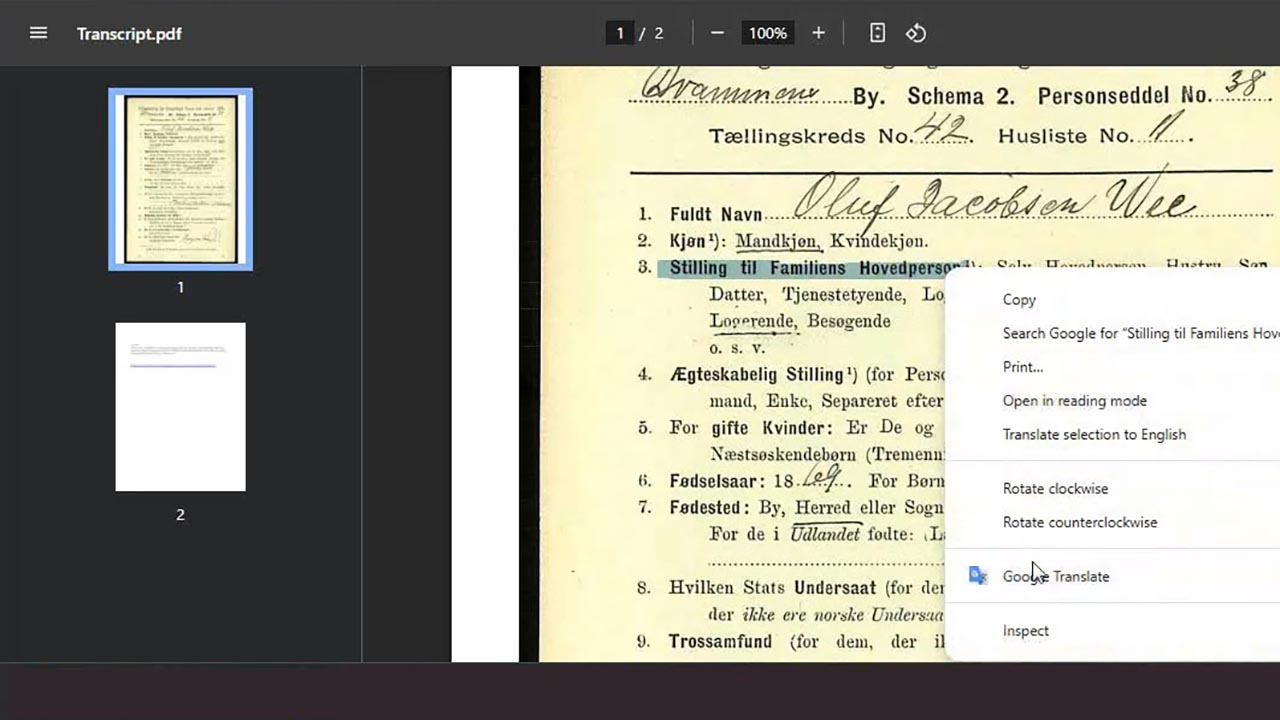
 00:05:33
 00:59:07
 00:07:43
 00:06:36
 00:08:07
Comments (45)
Great tips, well presented. Definitely one to watch if you use Chrome or a Chrome-based browser. I would be very surprised if anyone watches this and doesn't learn new ways to speed up their Internet use! I'd love to have more of these please.
Worth it just for the info on setting up shortcuts for search engines from the browser address bar - such a neat tool!
Loved the techniques presented about speeding up searching
Wow if only I had known!!! Thank you Richard for showing us all this amazing information. Of course I will have to watch the presentation again as it was fast paced and new to me.
Half of it was over my head. But I guess one has to start somewhere! I especially liked the list of Control + Letters for action items. I'll play around with those...
Really useful tips that I can’t wait to try out.
Thought everything would be useful
Love the Shortcuts and how they are available on multiple browsers.