Homepage
Upcoming Webinars
Webinar Library
Speakers
🇺🇸
Log in
Join Now
Webinar Library
Prev
Next
Software
,
Microsoft Word
,
TechZone
,
Bonus webinars
How to link Multiple Word Documents into One PDF
Amie Bowser Tennant
Jun 25, 2020
2708 views
CC
Share
Post
Share
Join Now
Content
Inttroduction
1m 29s
Linking Documents
2m 24s
Join Now
About this webinar
Learn how to combine multiple Microsoft Word documents into one pdf file right from within MS Word.
\n
About the speaker
Amie Bowser Tennant
Amie Bowser Tennant is a professional research genealogist, speaker, and writer. She has a degree in Advance Family History Research and works for FamilySearch as a blogger. In addition to FamilySearc...
Learn more...
Loading comments...
Related webinars
01:00:45
Writing and Publishing
•
Webtember
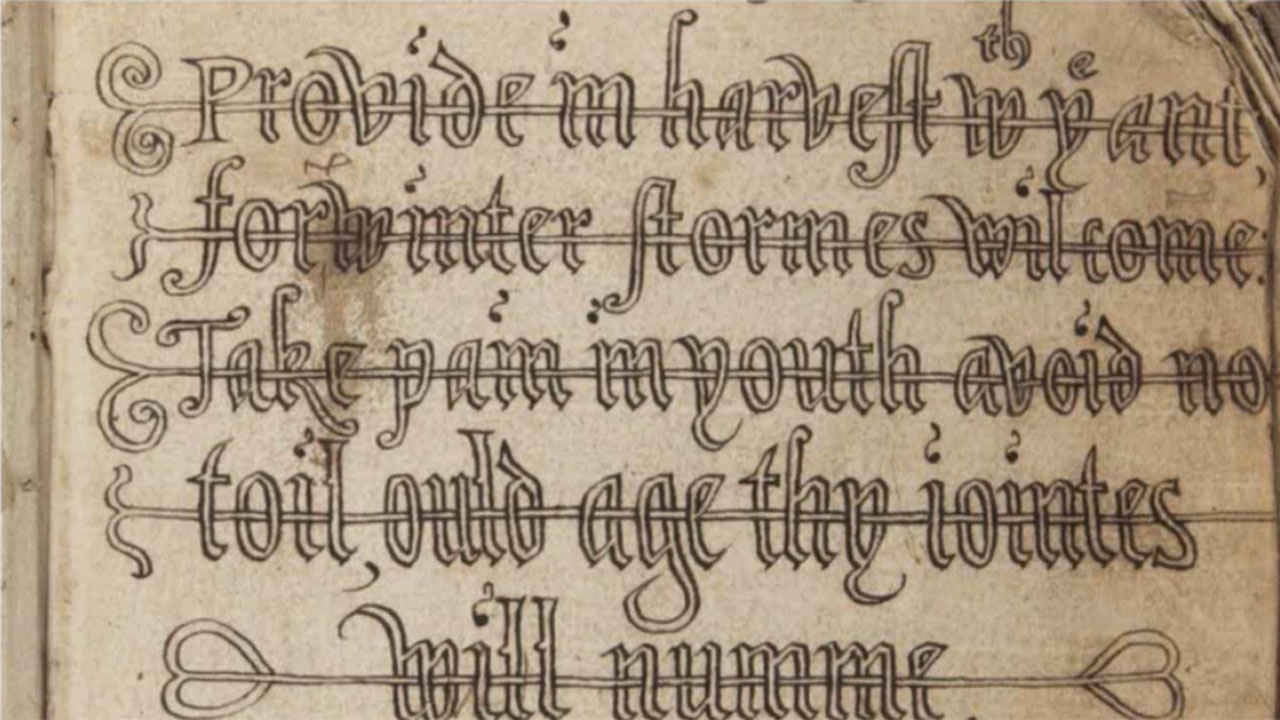
The Five Writing Scripts of the World
Amie Bowser Tennant
258 views
CC
00:03:14
TechZone
•
Photos and Digital Images
Convert a JPEG image to a Word Document using Google Drive
Amie Bowser Tennant
786 views
CC
00:06:14
TechZone
•
Microsoft PowerPoint
How to Insert Video into a PowerPoint Presentation
Amie Bowser Tennant
310 views
CC
00:04:24
TechZone
•
Software
How to Add a Screen Recording to a PowerPoint Presentation
Amie Bowser Tennant
233 views
CC
00:09:03
Bonus webinars
•
TechZone
How to Do a Screen Recording on Your Android Device
Amie Bowser Tennant
741 views
CC
00:08:14
Bonus webinars
•
TechZone
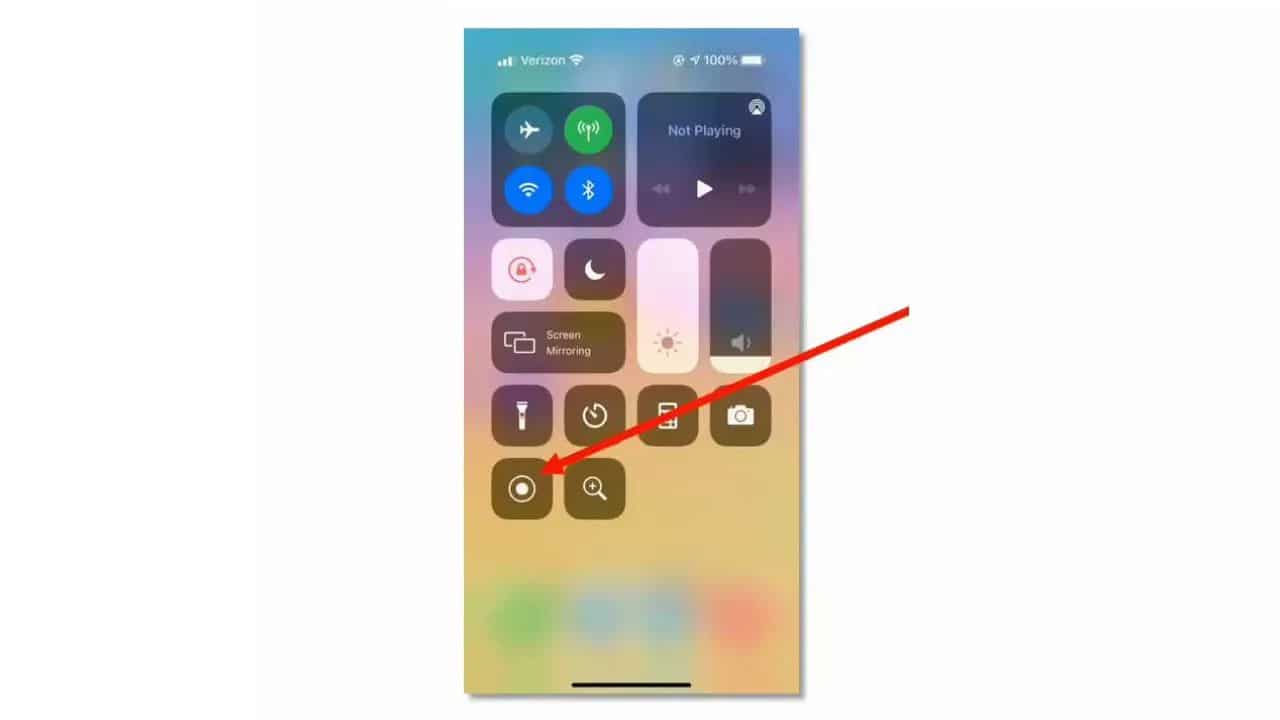
How to Do a Screen Recording on Your iPhone
Amie Bowser Tennant
769 views
CC
00:52:51
Immigration Records
•
Naturalization Records
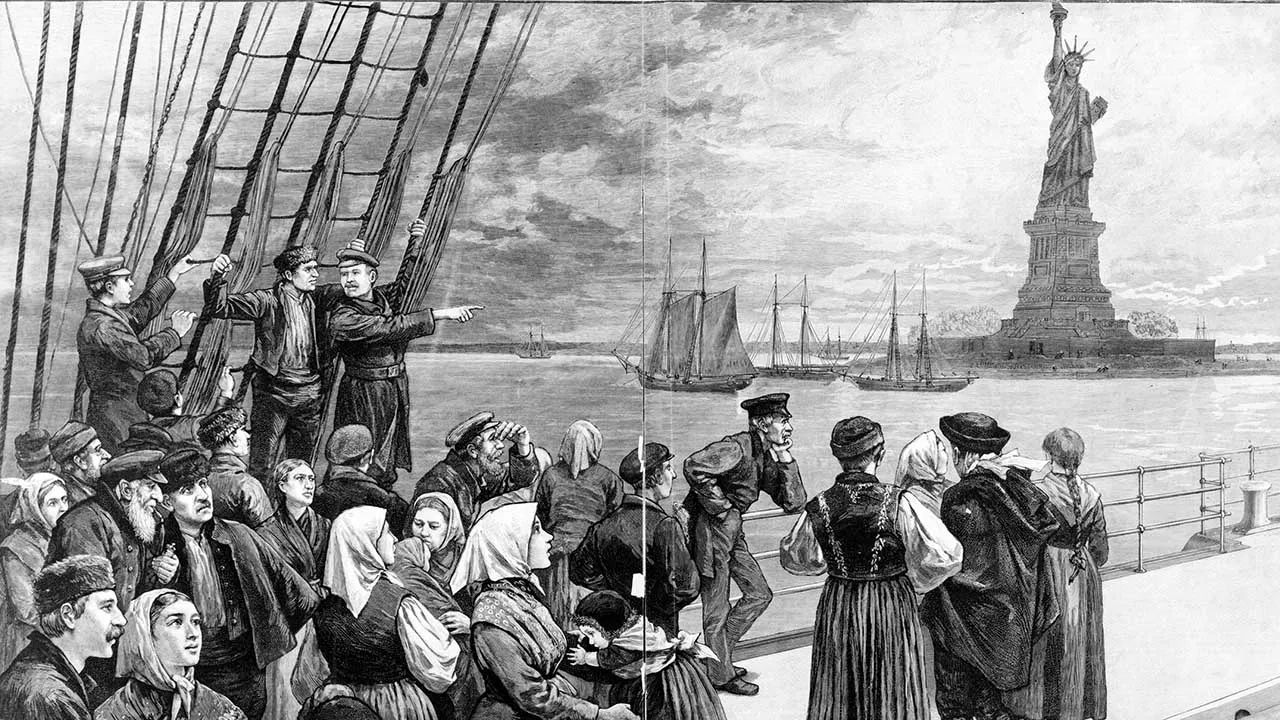
Finding Answers in Naturalization Records
Amie Bowser Tennant
2.3K views
CC
00:07:40
Mobile Apps
•
Software
TechSmith Capture for Free and Easy Screenshots and Recordings
Amie Bowser Tennant
1.8K views
CC
00:03:24
Technology
•
Videos
Rockin' Royalty-free Music for Your Family Videos
Amie Bowser Tennant
1.1K views
CC