

Content

Welcome
1m 2s
Speaker's Introduction
42s
Introduction
1m 55s
Uploading Photos
10m 27s
Photo Storyteller
5m 3s
MyHeritage in Color
7m 10s
MyHeritage Photo Enhancer
7m 43s
Announcements / prizes
4m 33s
Questions / answers
31m 37s
About this webinar
The MyHeritage Mobile App makes building your family tree easier and more portable than ever. Learn about the new features MyHeritage added to the app that enhance your genealogy research on the go.
\nAbout the speaker

Masha is responsible for both the Android and iOS platforms of the MyHeritage mobile app. She leads a great team of developers, QA engineers, and a designer to create the best features and user experi...
Learn more...Related webinars
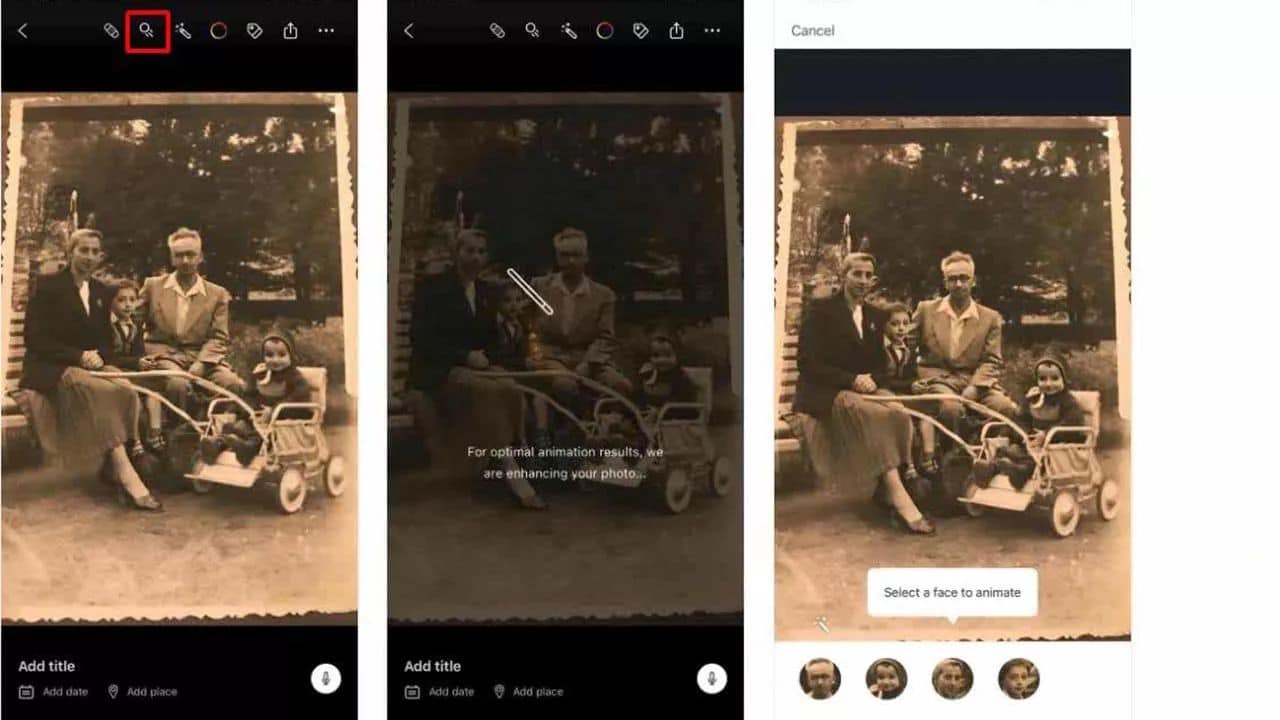 00:52:06
 00:55:37
 00:56:27

 01:10:34
 00:51:43
Comments (3)
Thank you\n\nThank you for a good job! \n\nThank you was very helpful\n\nThank you, you released some very amazing features. The speaker Masha who went through them very well and explained step by step amazingly!\n\nThanks very much for a very informative session. Happy New Year!\n\nThe information was great, AND so many questions.\n\nThe information was very good. Good information. Thanks\n\nThe webinar was excellent! My first time, and it makes me want to register for all of them. Masha presented things clearly and logically, and the graphics were awesome. The little red boxes outlining the icons she was talking about really helped. Step-by-step was excellent. The only thing I would like to see changed is to have your two faces on the screen. If only your control panel had a feature to add your faces in the corner— just so we could see you. :-)\n\nThe webinar was very interesting.\n\nThis was another excellent MyHeritage webinar. They always go into such great detail so that the directions are clear and my brain then can think up new ways to use the product and new questions to ask!\n\nThis was incredibly helpful and exciting information.\n\nTitle should have been all new PHOTO features.\n\nVery detailed presentation, helpful information\n\nVery good. But there is no myheritage app that will work on my kindle fire tablet. I have ancestry, and family search apps that work great that includes putting pictures on. Thank you, Peace. \n\nVery informative about what the app can do.\n\nThank you\n\nVery informative thanks Keep updating myheritage, thanks\n\nVery informative. I liked the step by step explanations. She didn't go too fast, but I feel I may need to go back to listen again to make sure I got it all. \n\nvery organized, high quality. the webinar was excellent and I learned alot. \n\nwebinar was good and informative. now I just need to put into action what I have learned\n\nWell done I really appreciated the step by step instructions.\n\nWell presented & easy to understand\n\nWhat a wonderful addition to the MyHeritage software!!! I really enjoyed the step-by-step instruction from Masha. She knows a lot about the software and its enhancements and was able to answer questions afterward. A great webinar!! \n\nThanks!!\n\nWow so much fun!\n\nWOW! Anxious to try. thank you.\n\nWow!! - What an App! Beats the heck out of the competition!\n\nGood presentation!
I am a relatively new user to MyHeritage. These photo features are quite impressive. Thank you for the webinar to explain how they work.\n\nI am really surprised by the wonderful capabilities of the MyHeritage App. I'm eager to explore now. The step-by-step instructions were amazing!!\n\nI appreciate her clear, concise instructions. I will need to watch it several more times before the information sinks in, however. Amazing what can be done!! Thanks.\n\nI do not have a My Heritage account, so I will not be using the My Heritage Mobile App -- but, if I ever do -- This is a great Webinar to watch.\n\nI had not realized the webinar was mostly about the new photo features. I was expecting more about using the mobile app to do research and edit family trees. I haven't used the new photo features from the website either, so the webinar was still interesting.\n\nI have many photos but have not added any to my family tree. It would be a shame to not include them and the webinar has made me realize that it's not as difficult as I thought. The colorization and clearer imaging is terrific. \n\nI learned several things about the mobile app/ I have only used the desktop/web version until now.\n\nI liked that we could see the actual process\n\nI may have to order this\n\nI originally did not think that I would find the information of use as I do not use any apps for genealogy. But once I saw the enhanced photos, I can't wait to see if I can enhance some old and fuzzy photos of my ancestors.\n\nI REALLY liked the step-by-step. Masha did a fine job. Very easy to follow.\n\nInformative\n\ninteresting\n\nInteresting and informative. Thanks!\n\nInteresting topic.\n\nIt's been really helpful. That was good to see the app's news.\n\nLearned about some interesting features.\n\nLooking forward to trying to use all these amazing features\n\nLove the feature that allows adding audio for each photo.\n\nLove the step by step process. Really helped to understand and the ability to rewatch.\n\nMasha is an excellent presenter\n\nMasha, Thank you! Very informative webinar but I will need to re-watch to grasp all that was presented. \n\nnice and clear\n\nNuts and bolts. Very informative.\n\nShe was a good speaker. Easy to understand. I loved the step by step approach she used. I hope she will come again!\n\nStep by step use was fabulous, but went too fast! Can't wait to view it again!
It was very good; I liked the step by step. \n\nA good one, thanks \n\nA lot to learn. But it will be worth it \n\nAWESOME!!!!\n\nclear detailed explanations\n\neasy to follow instructions\n\nEasy to follow. Very well presented. Thank you.\n\nEven though it was a beginner class, it was still very informative \n\nexcellent presentation\n\nExcellent presentation. I am a My Heritage user but I haven't done much out there. MH is part of my 2021 family history goals and these photo enhancement tools are the icing on the cake. The presenter did a great job; clear graphics and instructions! \n\nHats off to the team!\n\nExcellent procedural\n\nexcellent step by step instructions\n\nExcellent tool and I loved the step-by-step instructions. \n\nExcellent! Awesome new tools\n\nExcellent! I’m a beginner loading and using photos anywhere. I’m anxious to try some of this new info, then listen again to the webinar. Thank you.\n\nexcited to fix some old photos--thank you My Heritage, Legacy Family Tree and Masha\n\nexciting!\n\nexplaining how to use the app and all it does was very helpful\n\nGood\n\nGood content - I learned about features available on the app.\n\nGood helpful information!\n\nGood information! Thanks!\n\nGood presentatiom of useful photo features.\n\nGood walkthrough of features.\n\ngreat explanation of functions thanks\n\nGreat information\n\nGreat information \n\nGreat Information using MyHeritage Mobile App! Pretty amazing photos.\n\nGreat job\n\nGreat one\n\nGreat presentation\n\nGreat presentation - loved the step-by-step instructions!\n\nGreat presentation and explanation of each feature.\n\nGreat presentation. I don't use the mobile app very often because the screen is too small, but I use the desktop app nearly every day.\n\nGreat step by step demo\n\nGreat step by step information. Great presentation. \n\nGreat step by step instructions. Cant wait to play with the new features!\n\nGreat way to learn how to use the photo portion of the MyHeritage app. thank you!