

Boosting Your Genealogy Research: How to Leverage the Google Translate Chrome Extension
Natalie Webb

Content

About this webinar
About the speaker

Key points and insights
In her innovative webinar, “Boosting Your Genealogy Research: How to Leverage the Google Translate Chrome Extension,” Natalie Webb delivered a practical masterclass on using browser-based tools to break through language barriers in family history research. As part of the 24-Hour Genealogy Marathon, Webb—creator of Family Tree Tech—shared how simple tech solutions, including browser extensions and AI image translators, can transform access to foreign-language records, manuscripts, and digital archives. Her session is a must-watch for anyone working with ancestral records in languages they don’t speak.
Key Takeaways:- Install and Use Google Translate in Your Browser: Webb guided viewers through installing the Google Translate extension on Chrome and demonstrated how to highlight, right-click, and translate directly within webpages—perfect for navigating FamilySearch, Ancestry, or international archives without toggling between tabs.
- Translate More Than Just Web Text—Indexing, PDFs, and Books Too: She showed how to translate searchable text within digitized books, indexes, and even genealogy databases like the Internet Archive and Project Gutenberg. For text that can’t be highlighted (like images or scanned documents), she offered workarounds using AI.
- Use AI Tools to Translate Images and Handwriting: Webb highlighted how tools like ChatGPT can transcribe and translate handwritten or printed text from images—including birth certificates, gravestones, and even statues—by simply uploading the image and requesting a translation. This opens the door to understanding records that were previously out of reach due to language or format.
Be sure to check out the syllabus for more tech tips and resources. These tools can empower any genealogist to access and translate a wider world of records—one click and one ancestor at a time.
Related webinars
 00:54:2800:54:28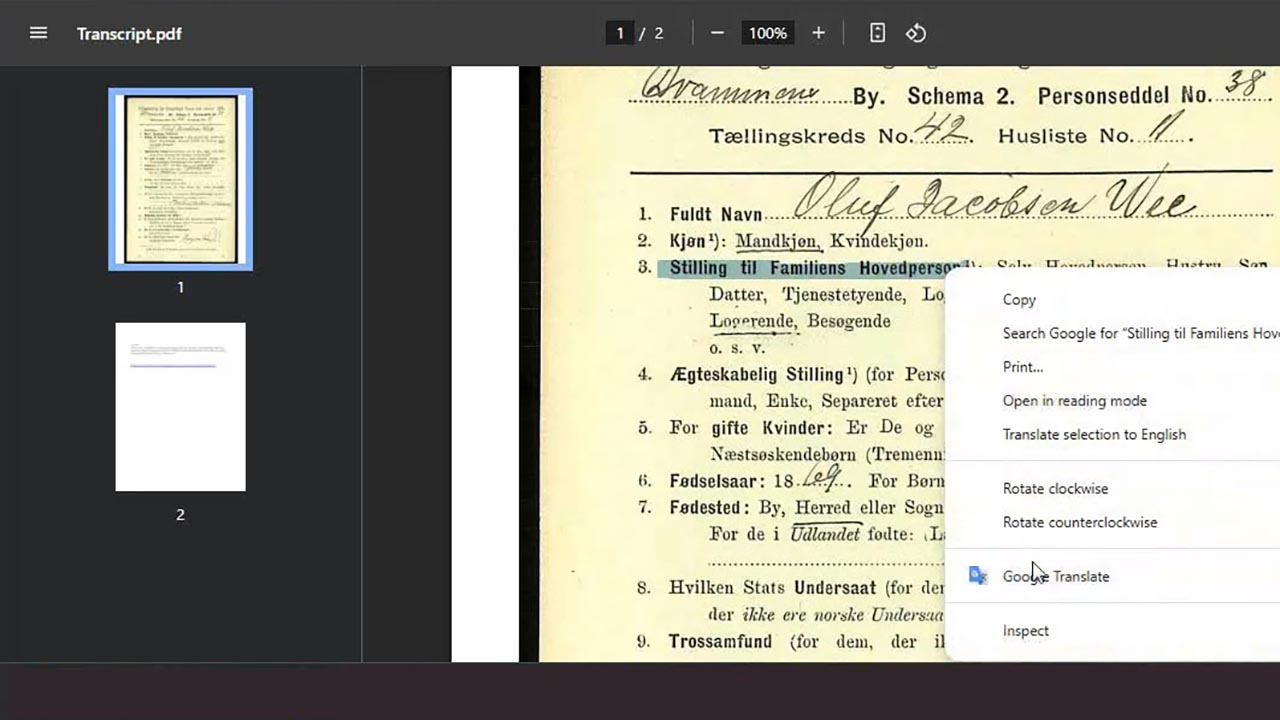
 00:05:33
 00:59:07
 00:07:43
 00:06:36
 00:08:07
Comments (62)
Enjoyed learning about a new (tome) tool. well presented with useful examples.
Very useful
This was one of the most informative webinars I have ever attended!! Can't wait to put all I learned into practice. Thank you!!!
Very informative as I am somewhat new to genealogy and did not know about Google extension or Chatgpt. I've used transikribus but did not like it much. I was only able to use two of the webinars due to time constraints, and I enjoyed both. Thank you for doing this!
This is the second seminar I've listened to of Natalie's and she explains things so well! I've played with Google Translate a little and I'm excited to play with it more! Thank you, Natalie!
It was amazing what AI and Google Translate can do. Thanks for sharing this information.
This was excellent. It was simple enough that I will be able to apply much of what I learned, but still plan to listen again. I did not know that there was an extension for Google Translate and since I spend a lot of time researching Norwegian records, this will be an amazing help. Many of the technology presentations leave me feeling dizzy; this one left me feeling excited. Thank you so much for this opportunity to join in on these seminars.
This was all new to me! She showed examples at least twice which really drilled in how to use it. This will be an excellent tool to put in my genealogy tool kit! Thank you so much!